

Support - Akuvox Guides and FAQs
Back to Support
User guides, video walkthroughs, manuals and verified fixes for Akuvox intercoms, indoor monitors and access control. All downloads are free.
SmartPlus App Guides — Residents
-
 Enable SmartPlus Notifications (Incoming Call Alerts)AKUVOX KB
-
 First-Time SmartPlus App SetupAKUVOX KB
-
 Open a Door with the SmartPlus AppAKUVOX KB
-
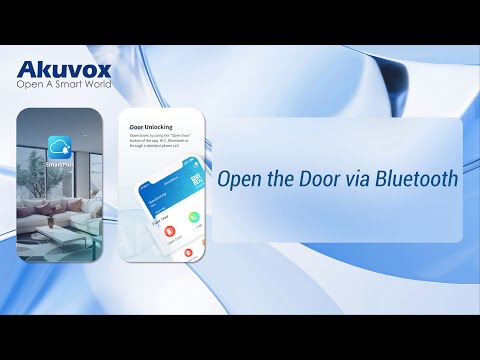 Open the Door via BluetoothAKUVOX KB
- Link Multiple SmartPlus Accounts (Link Sites)AKUVOX KB
- Unlock with Apple Wallet — Add the Pass & Tap to UnlockAKUVOX KB
Installer & Property Manager Guides
- Change a Site's Call Type — SIP vs IP DirectAKUVOX KB
- Apple Wallet — Enable It Per Account (Cloud & PM Portal)AKUVOX KB
- Apple Wallet — Office Sites (Personnel & Admin Accounts)
- SmartPlus Subscription — Activate & Renew (Services, Pricing, Payment)
- Apple Wallet — Billing & Renewal (Annual, No Auto-Renew)
- Reset Web Password — Door Phones (All Methods)CLOUDPC MGRFILER29/X915R27/R28AKUVOX KB
- Comparison Sheets — Full Lineup SpecsPAGE
Integration with Third-Party Systems
Manuals & References
Need a hand with your Akuvox system?
Call or text 917-977-1277 — or WhatsApp us — and we'll walk you through it.